
Notes
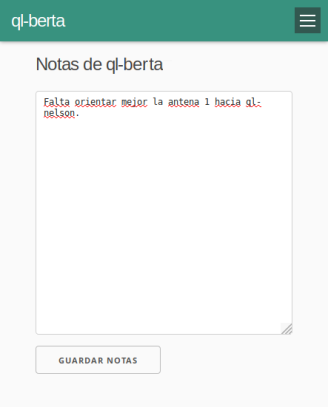
The notes screen is an editable text box. It is used to write and read information about the node, or any other information the community decides to add there.
Don't forget to save
Make sure to press the Save notes button before leaving the screen, otherwise the changes will be lost.
Some examples of use that came up in community networks:
- Recording the history of network maintenance.
- Notes about the characteristics of the node or its installation that need to be highlighted.
- A means of communication to coordinate community actions not directly related to the network. A world of possibilities!
Attribution. Translated from «Notas» by AlterMundi, licensed under CC BY-SA 4.0.